
Keep the relationships with the notes.
A project note often matters because of the people, decisions and work around it. Memrain stores links between pages, backlinks and tags alongside the page itself.
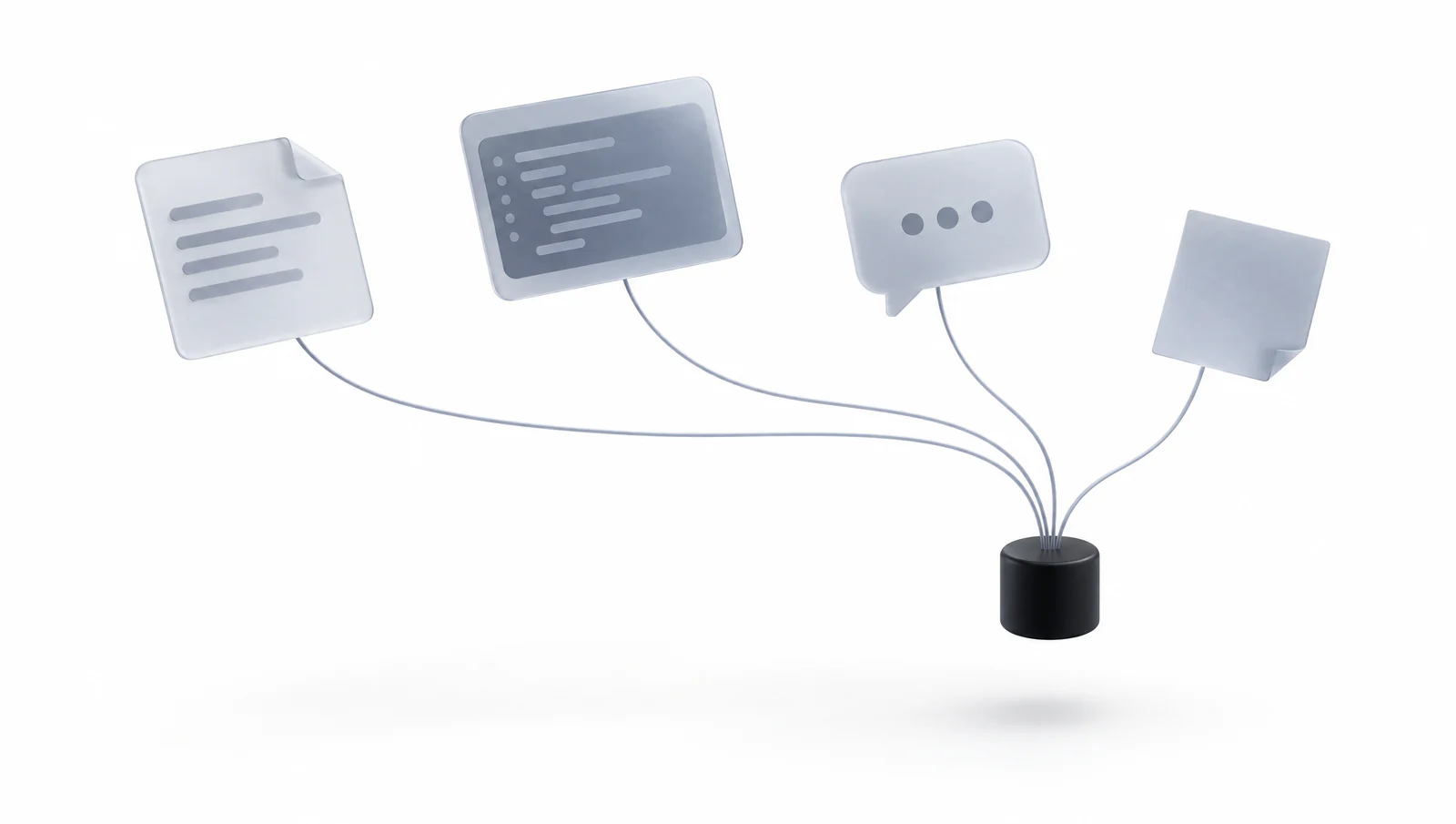
Illustrative example
What else is connected to this project decision?
Retrieve the page’s visible links and backlinks, then follow the relevant people, documents and related decisions.
Illustrative scenario, not a live product result.Make relationships explicit.
A typed link records how one page relates to another, rather than leaving the relationship buried in prose. Backlinks show the pages that point to this one, and tags group pages by topic. These connections sit beside full-text and semantic retrieval: they offer another route into the same body of knowledge when a keyword alone is not enough to explain why two notes belong together.
Follow context without losing the source.
A relationship can lead from a project to a person, an earlier decision or a supporting document. Read the linked pages to understand the evidence behind the connection. In Memrain Lite you follow links and backlinks from page to page; Memrain Pro adds graph traversal across several steps and entity pages for people and projects. A link by itself does not prove the claim written on either page. Keep the original source reference with material that will inform future decisions.
Read the graph within your access.
Link and backlink tools respect the caller’s available sources and report when a result is truncated. A partial view should not be treated as the complete map of a project. When a connection looks missing, check page identity, source access and indexing before concluding it was never recorded. For sensitive shared knowledge, review the pages a proposed grant would expose.
Keep the context. Move the work forward.
Connect your knowledge to the AI you already use. Find your starting point and make the next conversation count.