
Bring the right information into one memory.
Useful context can start in email, meetings, messages, documents or code. There are three ways to bring it into memory: the built-in connectors in Memrain Pro, the systems we connect for you during setup, and the tools and exports of the AI agent you connect.
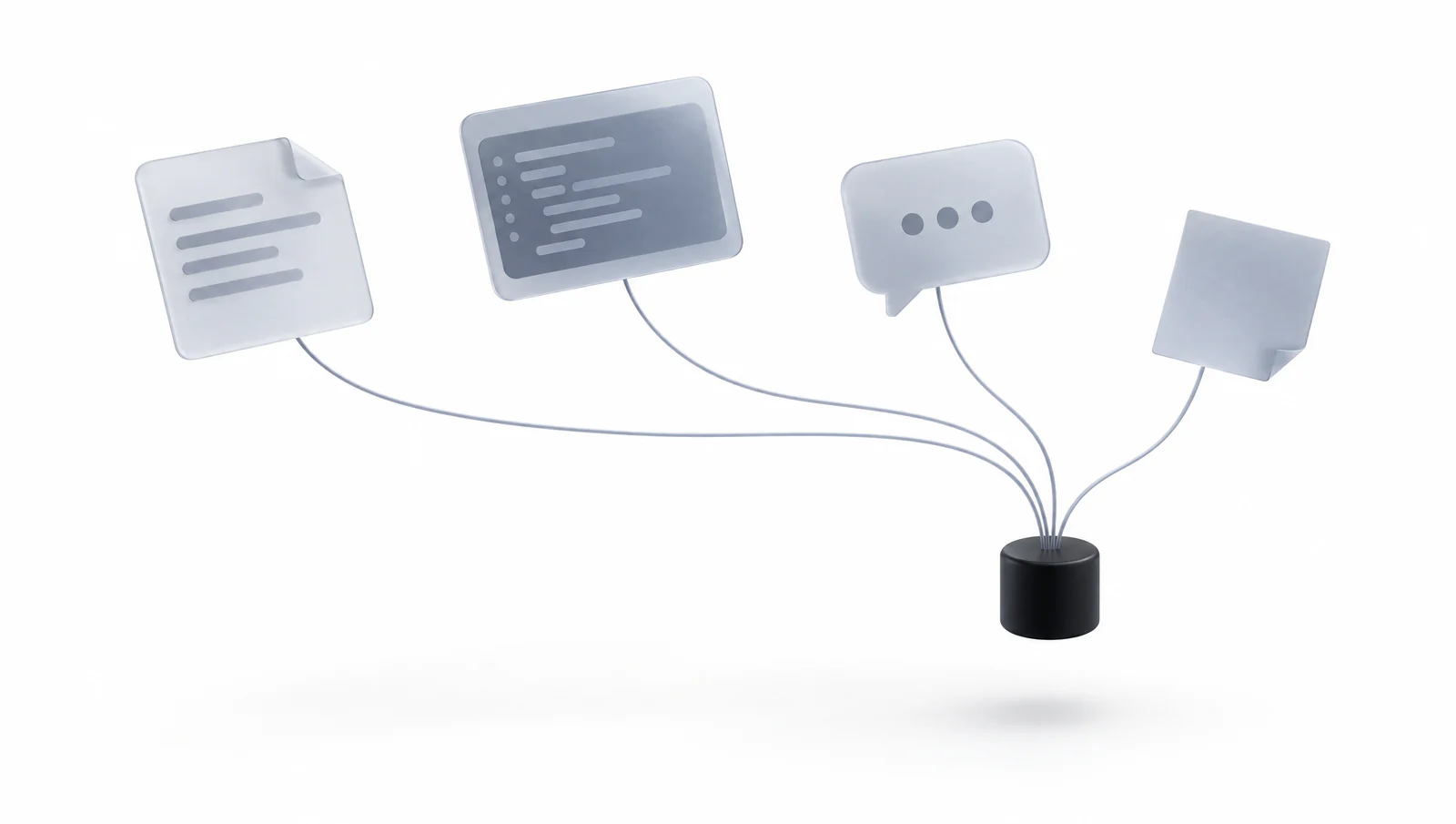
Illustrative workflow
Our project decisions are split between documents, messages and repository discussions. How can I retrieve them together?
Memrain Pro’s connectors can bring in the email, calendar and meeting material. For documents and other systems, an authorized agent reads the selected material and saves referenced pages. Retrieval then brings back accessible context.
Illustrative scenario, not a live product result.Built-in connectors in Memrain Pro
Memrain Pro includes connectors for Gmail, Google Calendar, Outlook mail and calendar, Microsoft Teams, Slack, Fireflies and GitHub. You connect an account once, and Memrain keeps its messages, events or meeting notes in a source with their dates and references. A team can connect a team mailbox or calendar to a shared source, and it keeps syncing when one member leaves. Memrain Lite has no built-in connectors.
Connected for you during setup
Documents and business systems are connected as part of your onboarding: Google Drive, SharePoint and OneDrive, Dropbox and Box, network, local and USB folders, Notion and Confluence, your CRM, ERP or databases. Files such as PDF, Word, Excel and PowerPoint are read as text, kept in sync and linked back to the file they came from. Tell us which systems you use, and we set them up with you.
- Google Drive, SharePoint, OneDrive, Dropbox, Box
- Network, local and USB folders
- PDF, Word, Excel and PowerPoint files
- Notion, Confluence, CRM, ERP and databases
Tools of your connected agent
For anything else, the AI agent you connect can bring material in itself. Where that agent has a connector, API or export for a system, it selects relevant content, keeps dates and references, and writes pages through its permitted Memrain tools. This works with either edition.
- Selected content with a defined scope
- Readable pages and source references
- An explicit import or refresh process
Retrieve across the knowledge you kept
Your assistant can search the resulting memory alongside other saved context. Its access determines which sources it can read. Ask a few real questions after the first import; if an import failed or stopped partway, your memory is missing that material until it is run again.
Keep the context. Move the work forward.
Connect your knowledge to the AI you already use. Find your starting point and make the next conversation count.